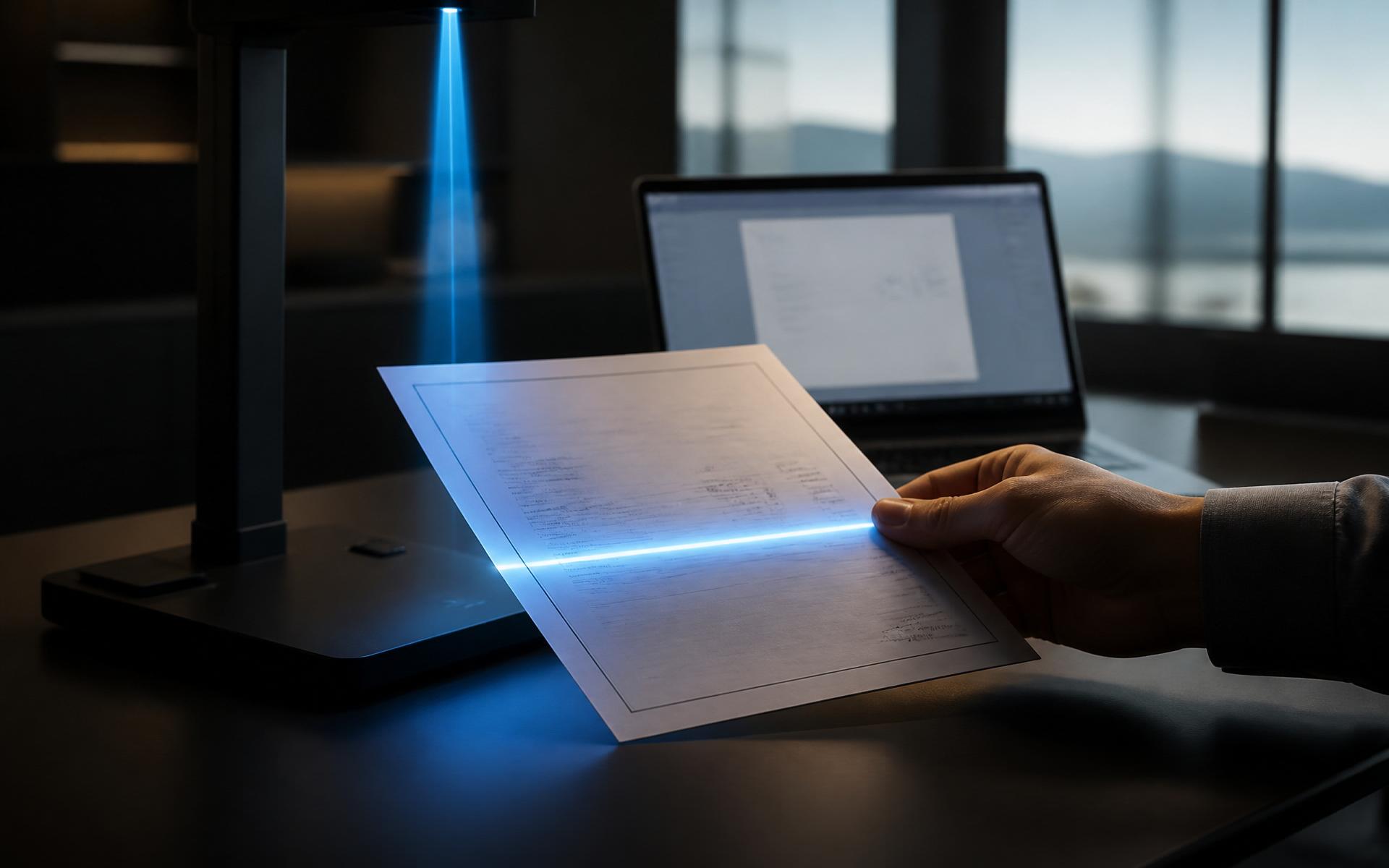
Available now - in cooperation with Google
One click.
Permanent proof.
edeXa Verify & Certify turns Gmail, Docs, Sheets and Drive files into tamper-evident records on the edeXa blockchain. Files stay in your tenant - only a one-way hash is recorded. Trust becomes permanent.
The problem
Workspace files are trusted
because checking them is hard.
A shared file proves nothing on its own
Docs, Sheets and PDFs can be edited, re-shared and renamed. The version a recipient sees may not be the version you approved.
Verification is manual and slow
Email confirmations, version histories and stamped copies cost hours on every contract, invoice or certificate check.
Workspace timestamps are not evidence
A file's creation date is written by the system that owns it. A blockchain anchor is independent, immutable and publicly auditable.
How it works
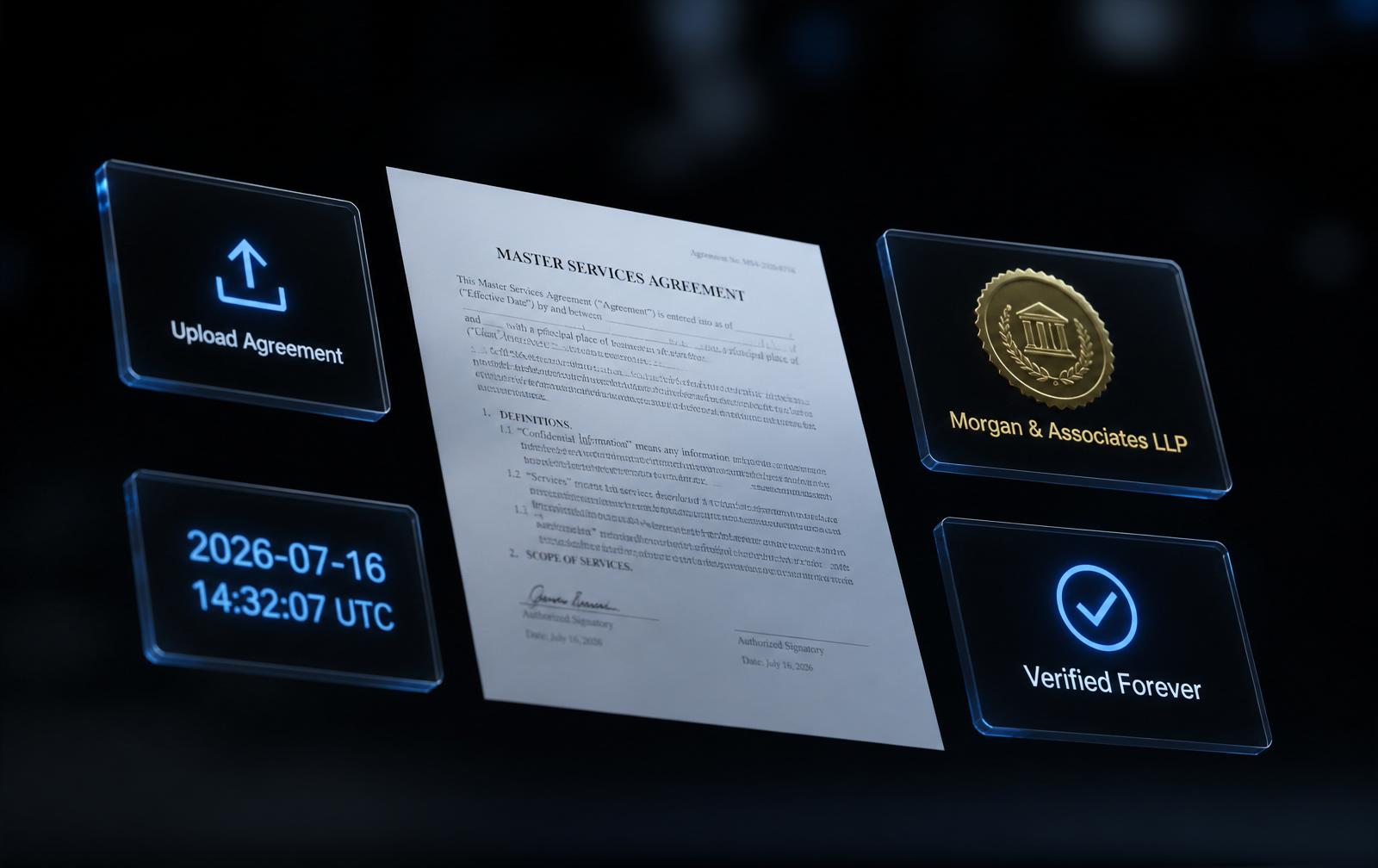
Install, open, certify, share.
01
Install
Add edeXa Verify & Certify from the Google Workspace Marketplace.
02
Open
Open a file in Gmail, Docs, Sheets or Drive.
03
Certify
Click Certify in the edeXa sidebar to publish a blockchain-anchored proof.
04
Share
Share the file normally. Anyone can verify authenticity at edexa.network.
Capabilities
Authenticity anyone can test.
One-click certify
Open Gmail, Docs, Sheets or Drive and click Certify in the edeXa sidebar. The hash is published without the file ever leaving your tenant.
Proof of existence
Anchor a fingerprint once and prove permanently that this exact document existed at that block time.
Tamper detection
Any change of a single character or pixel produces a different hash, so alteration is detected instantly.
Instant third-party checks
A recipient verifies in seconds with a hash or QR reference, without contacting the issuer or signing in.
Content never leaves you
Hashing happens inside Google Workspace. Only fingerprints are anchored, so nothing confidential is published.
Verifiable without us
Anchors live on the public edeXa Layer 1 ledger and stay checkable even if you stop using the app.
Where it is used
Every Workspace document someone else has to believe.
Contracts and agreements
Prove the version signed today is the version reviewed tomorrow, without leaving Google Docs.
Invoices and statements
Financial documents that recipients and auditors can confirm were never edited in transit.
Certificates and diplomas
Institutions issue credentials that employers can verify without a registry request.
Supply chain records
Certificates of origin, test reports, and delivery documents checked by any counterparty.
Questions
Straight answers.
What does edeXa Verify & Certify do in Google Workspace?
It writes a cryptographic timestamp of your Gmail, Google Docs, Google Sheets and Google Drive files to the edeXa blockchain, so a document you send or store today can be proven years later to be the exact same document.
Do my files leave Google Workspace?
No. Files never leave your Google Workspace tenant. edeXa only records a one-way hash, which is mathematically impossible to reverse back into the original file.
Is it available now?
Yes. edeXa Verify & Certify for Google Workspace is live on the Google Workspace Marketplace.
Can someone verify without an edeXa account?
Yes. Re-hashing the file and checking the value on the public chain needs no login, no subscription, and no cooperation from the issuer.
Is the document itself stored on the blockchain?
No. Only a one-way fingerprint and timestamp are anchored. The document itself stays in your Google Workspace environment.
Coming this autumn
Get ready to certify inside Google Workspace.
Read the full announcement and see how Gmail, Docs, Sheets and Drive files become independently verifiable with one click.
Engineered by edeXa AG, Vaduz, Liechtenstein. Google and Google Workspace are trademarks of Google LLC.